SalahNow
Keep track with your personal dhikr counter
SalahNow’s dhikr section helps you follow your personal counts inside the app. Use the counter to record repetitions and choose the activity and target you want to track. Personal counting and contributing to a shared dhikr room are separate workflows.
Open the record you want to use
Choose the dhikr you want to track and review its current counter value. Use the personal dhikr options to organise your own tracking. Checking the record before you start helps avoid mixing the counts of different activities. If you set a target, treat it as your tracking preference; displaying a number does not make it a religious recommendation.
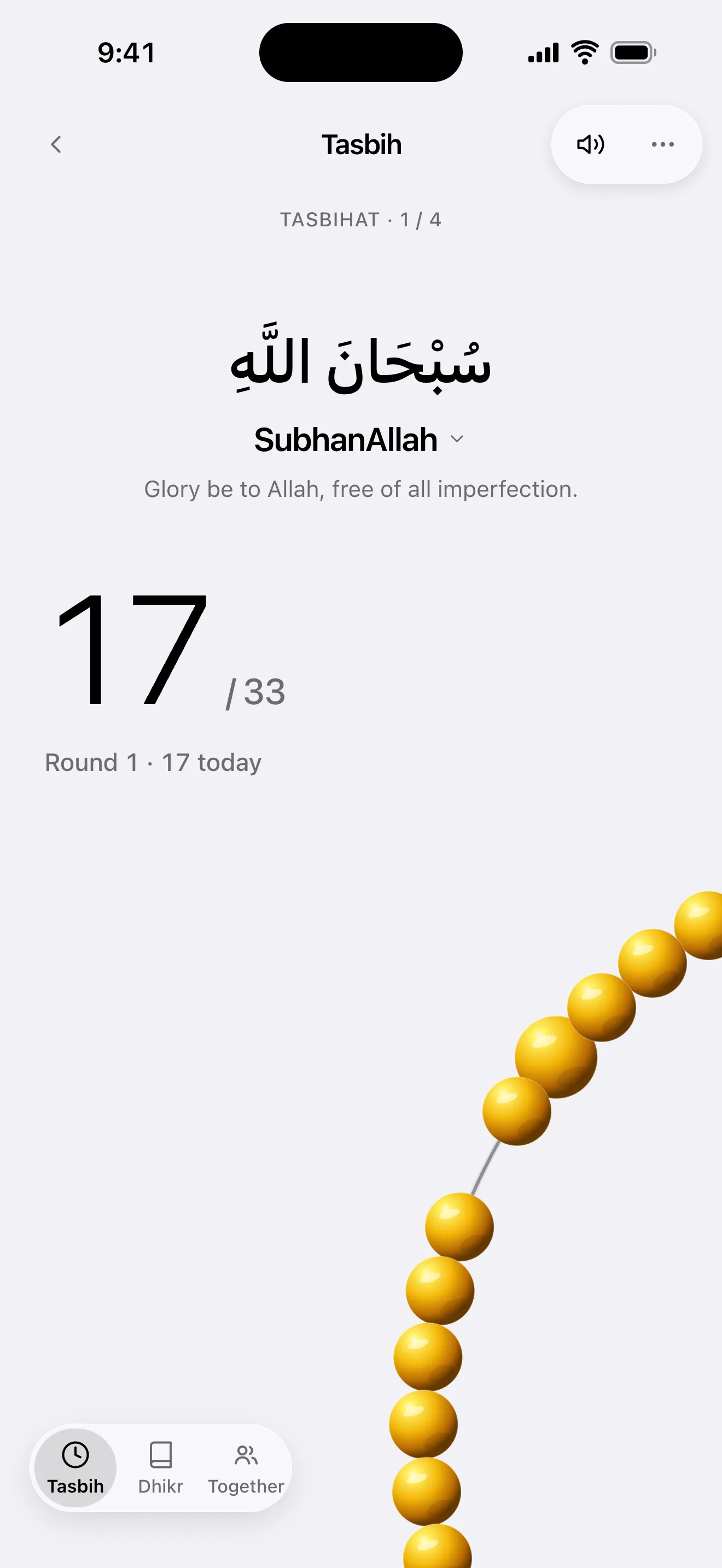
Change the count deliberately
Record your repetitions with the app’s counter and review the displayed value at the end of your session. Read the explanation before resetting a count or editing its record. Do not confuse resetting a previous count with starting another session when you want to keep earlier progress. Check the open record and value when switching between different dhikr activities.
Keep personal and shared activity distinct
If you join a shared dhikr activity, review membership and contribution status in that room separately. Follow shared contributions through the relevant room’s own workflow. Open the correct room and follow its contribution workflow. If your connection is interrupted, review the displayed room state before trying to submit the same contribution again.
Check your device and account status
A count on your own device and information synced through an account are not the same thing. Review your account session and sync status before continuing on another device. Dhikr widget options depend on the device platform and installed app version. If a widget’s information seems wrong, open the app and compare the relevant record and its current count.