SalahNow
Read, listen and follow your Quran progress
SalahNow brings Quran reading, audio listening and available translations into the app. Reading progress helps you find where to continue in your next session. This guide helps you start reading in the app, choose from its content options and review your listening preferences.
Choose where to begin reading
Open the surah or section you want to read in the app. Adjust the available reading and display preferences to suit you. Review your progress when returning to an earlier session. If you move between sections, check that the place you return to is the one you intended. Progress is a practical aid for keeping track of regular reading sessions.
Select a translation separately
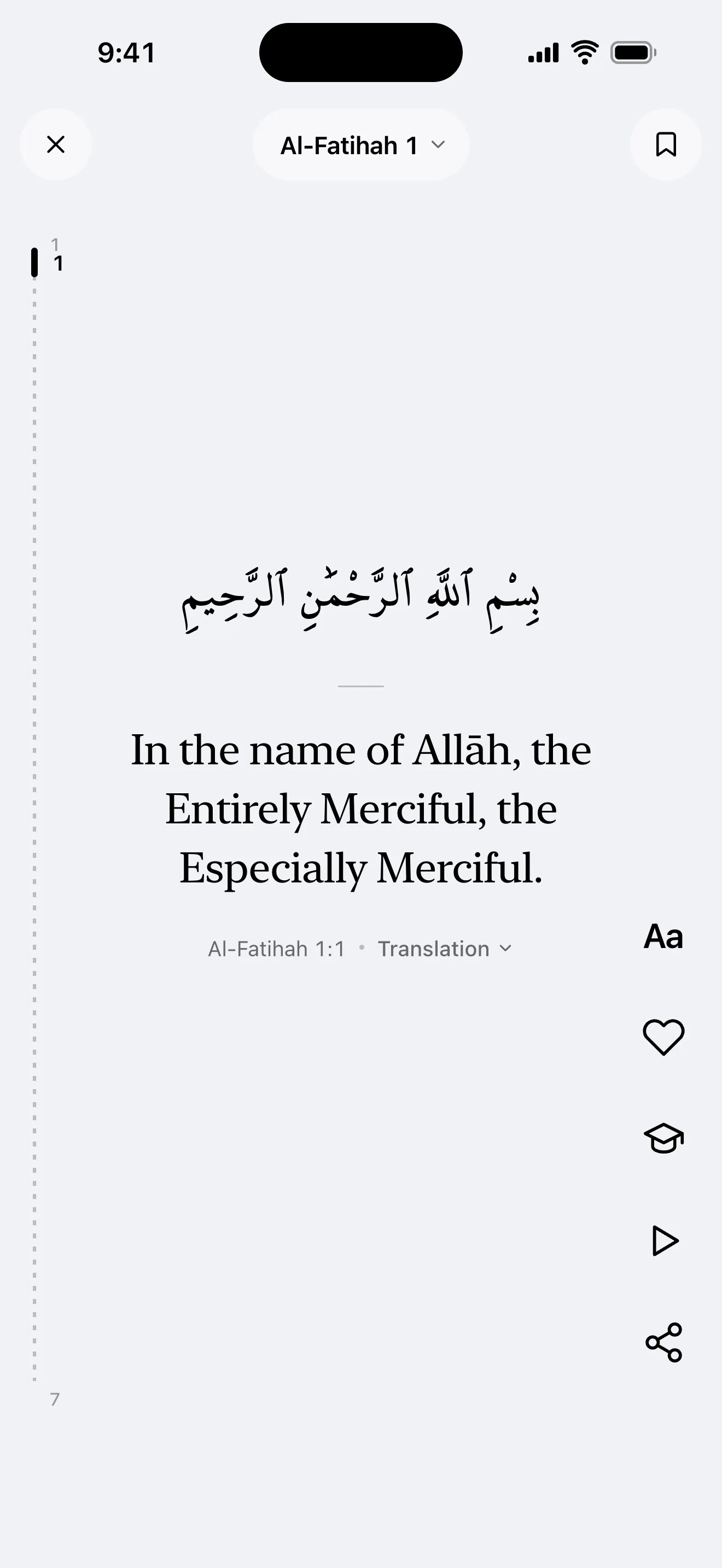
The app’s menu language and the language of Quran translations are separate choices. Using English menus does not mean every content option automatically switches to English. Review the translations and content choices offered in the reading section. Select the option you need from those settings; available languages and sources may differ between types of content.
Check your connection when listening
Start listening with the audio option and use the sound choices offered in the app. If playback does not start, check media volume, your connection and the selected audio output. Having a text visible on screen does not mean every associated audio file is already on your device. Loading new content or audio may require a network connection.
Separate progress from account sync
Checking reading progress and syncing between devices are different tasks. In guest mode, follow your local records; with an account, also review sync status. To continue on another device, review your account session and sync status. Read the explanation before resetting progress so you understand which record you are changing. Joining a shared khatm also has its own room and membership workflow.