SalahNow
Keep a record of the days you fast
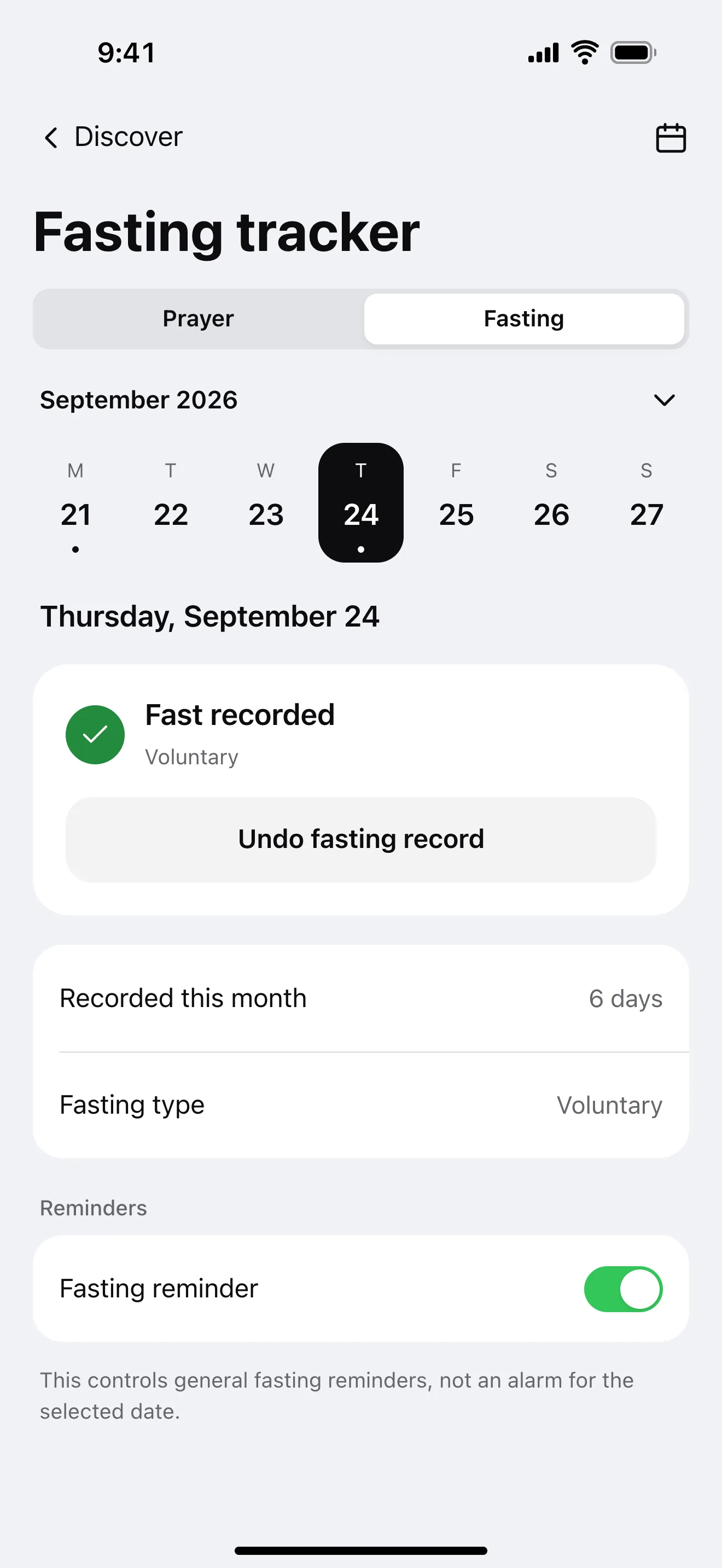
The Fasting tracker offers a simple calendar for the days you have fasted. Keep Ramadan, make-up and voluntary fasts distinguishable by choosing a type.
Add a day
Open the Fasting tab within Prayer Tracking, choose a day and mark your fast. You can undo a record if you added it by mistake.
Look back through the calendar
Review the monthly view or select a day from the past year. Earlier days can be recorded when you return to the tracker.
Keep your records with your account
Fasting records sync when you sign in. This lets you continue tracking on devices using your account.
Frequently asked questions.
Which fasts can I record?
You can choose Ramadan, make-up or voluntary fasting.
Can I correct a day I marked by mistake?
Yes. Return to the day in the calendar to undo or update the record.